How to Create Your Professional Perfect Freelance Portfolio Portrait (Step-by-Step)
🚀 Step-by-Step Guide: Create Your Professional Perfect Freelance Portfolio Portrait (Step-by-Step)
Step 1: Take a Clear Base Photo
Before using AI:
✔ Use natural lighting (stand near a window)
✔ Keep background plain (wall preferred)
✔ Wear neat clothing
✔ Look straight at the camera
✔ Avoid heavy filters
This base image is important because AI enhances what you give.
Step 2: Open Google Gemini
- Go to:👉 https://gemini.google.com
- Login with your Google account.
- Make sure you are using the version that allows image upload.
Step 3: Upload Your Photo
- Click the upload image icon.
- Select your clear base photo.
- Now Gemini can edit or enhance your image professionally.
Step 4: Paste This Professional Image Prompt
After uploading your image, paste this prompt:

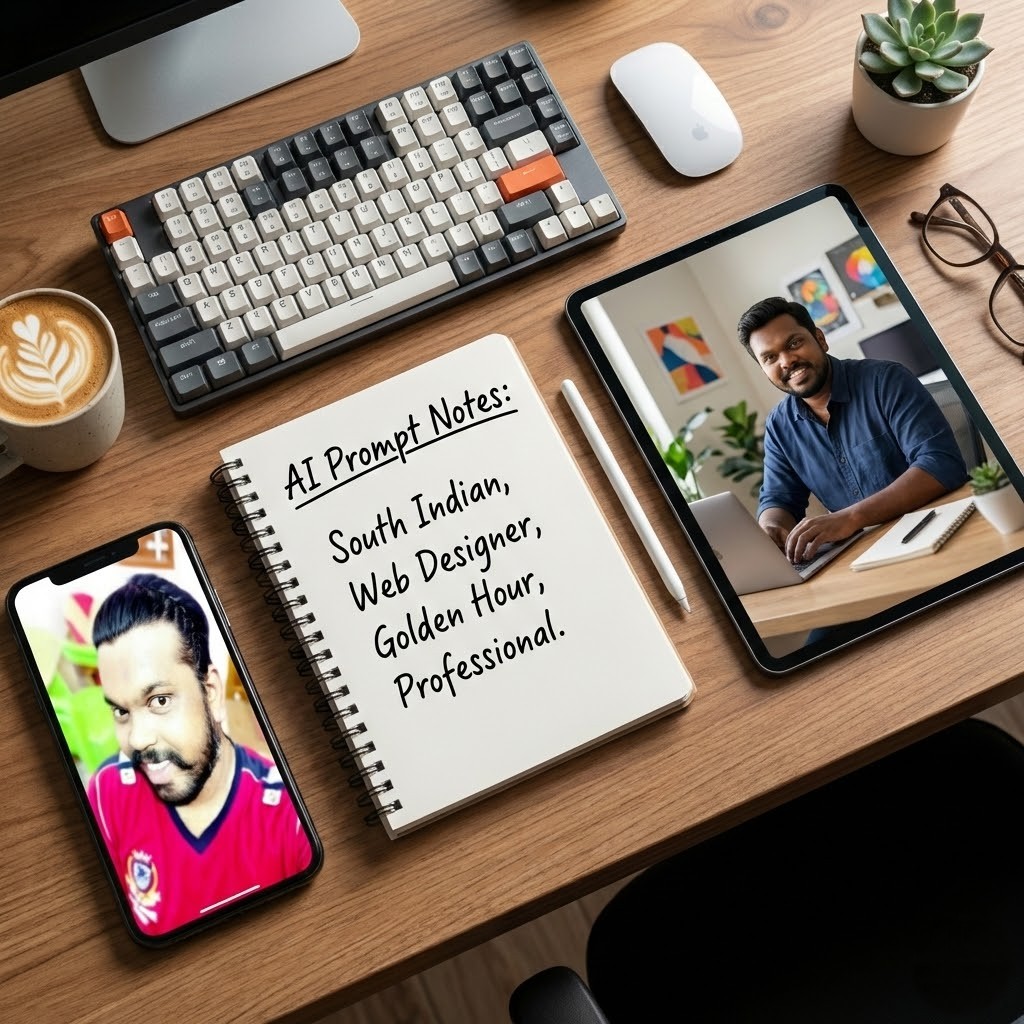
Professional headshot of a young South Indian man from Tamil Nadu, mid-20s, friendly warm smile, confident approachable expression, short neat black hair with slight beard or stubble, wearing casual modern button-up shirt in light blue or soft gray, soft natural studio lighting, clean white or light gray gradient background, high detail, sharp focus, realistic photography style, 8k, for freelance web designer portfolio profile picture

Confident young Indian man smiling warmly at camera, creative freelancer look, wearing casual collared shirt rolled sleeves in navy or beige, subtle beard, friendly eyes, modern creative professional, soft diffused lighting, minimal plain background with slight bokeh, realistic portrait photo, high resolution, suitable for personal portfolio website hero image
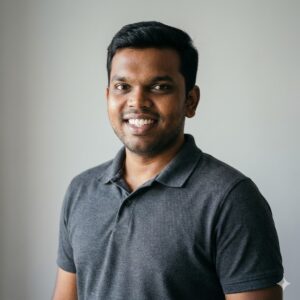
Clean professional portrait of a Tamil Indian man in his 20s, genuine friendly smile, short dark hair, light stubble, wearing simple fitted t-shirt or polo in muted colors under soft natural window light, neutral light gray background, sharp details, cinematic color grading, realistic photography, square format for profile picture on web design portfolio

Handsome approachable South Indian young man, warm genuine smile looking directly at camera, neat hairstyle, subtle facial hair, dressed in smart casual shirt with open collar, soft golden hour lighting, clean studio background, high-end realistic portrait, professional yet friendly vibe for freelance web developer and photo editor portfolio

Young man from Coimbatore Tamil Nadu, confident friendly expression smiling, short black hair, light beard, wearing light cotton shirt in earthy tones, soft indoor natural light, simple clean background, realistic Indian male portrait, warm skin tone, high detail, perfect for personal website profile photo of a web designer

"Professional portrait of a young South Indian man in his mid-20s, warm confident smile, short neat black hair, light stubble, wearing a light gray collared shirt, soft studio lighting, clean white background with subtle floating faint CSS code and UI wireframes in light blue overlay, minimalistic, modern web designer aesthetic, high detail, realistic photography, 8k" --ar 1:1 --stylize 200 --v 6
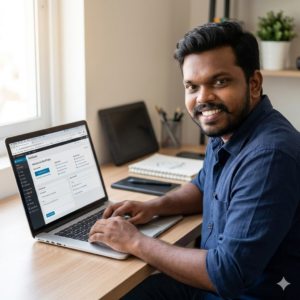
Young Tamil Indian web designer sitting at a modern desk, smiling directly at camera, friendly and focused expression, wearing casual navy blue shirt with rolled sleeves, laptop open showing WordPress dashboard, soft natural window light, background with blurred creative tools like tablet and sketchbook, warm tones, realistic professional photo, high resolution --ar 1:1 --stylize 200 --v 6
Then click generate.
Step 6: Generate 2–3 Variations
Don’t stop at one version.
Generate multiple variations and choose:
✔ Most natural skin tone
✔ Proper lighting balance
✔ Professional expression
✔ No distortion around hair or hands
Step 7: Download & Optimize
After selecting best version:
-
Crop square (1:1) for LinkedIn
-
Use 4:5 ratio for portfolio website
-
Compress image before uploading to website
-
Keep file name SEO friendly
Example filename:
professional-headshot-men-2026.jpg
💡 Best Outfit Suggestions for Men
Corporate jobs → Blazer + formal shirt
Creative roles → Smart casual blazer
Startup roles → Neutral minimal outfit
Consultant roles → Dark blazer, light background.
Neutral colors always look more professional in AI edits.
⚠ Common Mistakes to Avoid
❌ Overly smooth artificial skin
❌ Too dramatic background
❌ Heavy cinematic shadow
❌ Unrealistic eye sharpness
❌ Fashion-style pose for resume
Remember: This is for career growth, not Instagram modeling.
🏆 Why This Works
Google Gemini improves:
-
Lighting balance🔦
-
Background cleaning🧹
-
Professional styling🗂️
-
Portrait depth🖼️
-
DSLR-style clarity📸
All without expensive equipment.
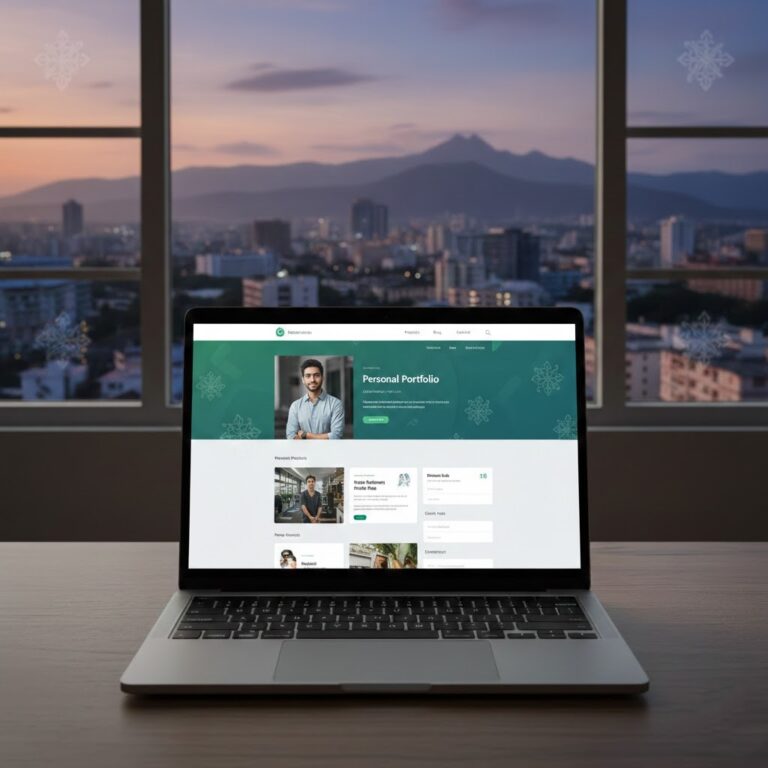
💡 Pro Tip for Portfolio Website:
-
Resume use → white/light grey background
-
LinkedIn use → light grey gradient
-
Personal website hero section → beige or soft neutral background
-
Corporate jobs → formal suit
-
Creative roles → smart casual
📈 Final Thoughts
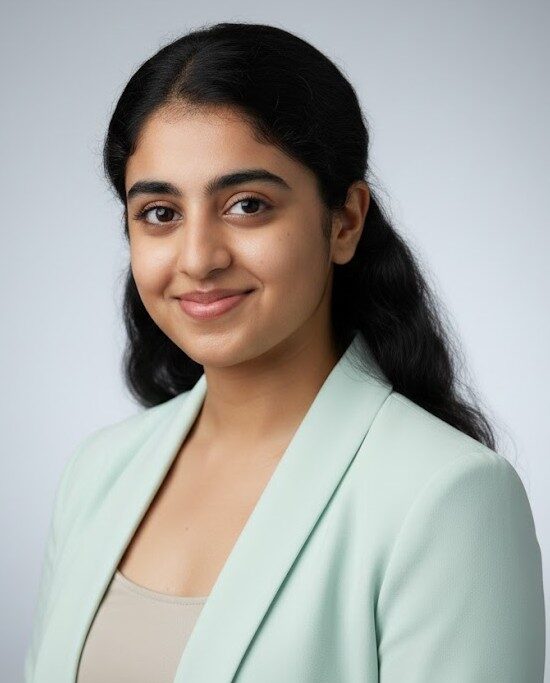
A professional headshot builds trust before your resume is even read.
In 2026, personal branding is not optional — it is essential.
Take 10 minutes. Upload your image. Use the prompt. Upgrade your digital presence.
Your future employer will notice the difference.